Optimizing Your Digital Catalog for SEO With iPaper


1: Enabling indexing in our platform
If you’ve never created a digital catalog before, don’t worry. The iPaper digital publishing platform makes the process simple.
You simply go to your account and upload your PDF in order to turn into a searchable, interactive HTML5 format.
Once this is done you can make your digital catalog crawlable simply by enabling indexing in the settings.

This is not where it ends of course. We offer multiple possibilities for you to optimise your online catalog, time to give an overview:
2: Naming Your iPaper Flipbook and URL
The name you give your iPaper digital catalog impacts the way search engines crawl your online publication for information. Tell search engines and readers what your publication is about by providing a topic related publication name and URL.
Ask yourself: "Does the URL contain meaningful keywords to what my online catalog is about?"
TIP: If possible, start the text with the word most relevant to your topic and eliminate non-informational words like a, and, etc. But keep in mind that context trumps all. Use your common sense.
3: Write and optimize the meta description
As explained by Moz: "Meta descriptions are HTML attributes that provide concise explanations of the contents of web pages. Meta descriptions are commonly used on search engine result pages (SERPs) to display preview snippets for a given page."
You might not think of your digital catalogas a web page, but it is. It has a URL (which you've just named according to your topic), and that makes it a web page. Think about the small text underneath a link in a search engine - that's the text you're about to write.
Make sure it's relevant to your topic and helps the reader to decide whether he or she has found the information they were looking for.
TIP: Keep your meta description under 155 characters which is the optimal length.
Need to get the full overview?
Explore our Complete Guide to Digital Catalogs (All You Need To Know!)
Continue Reading
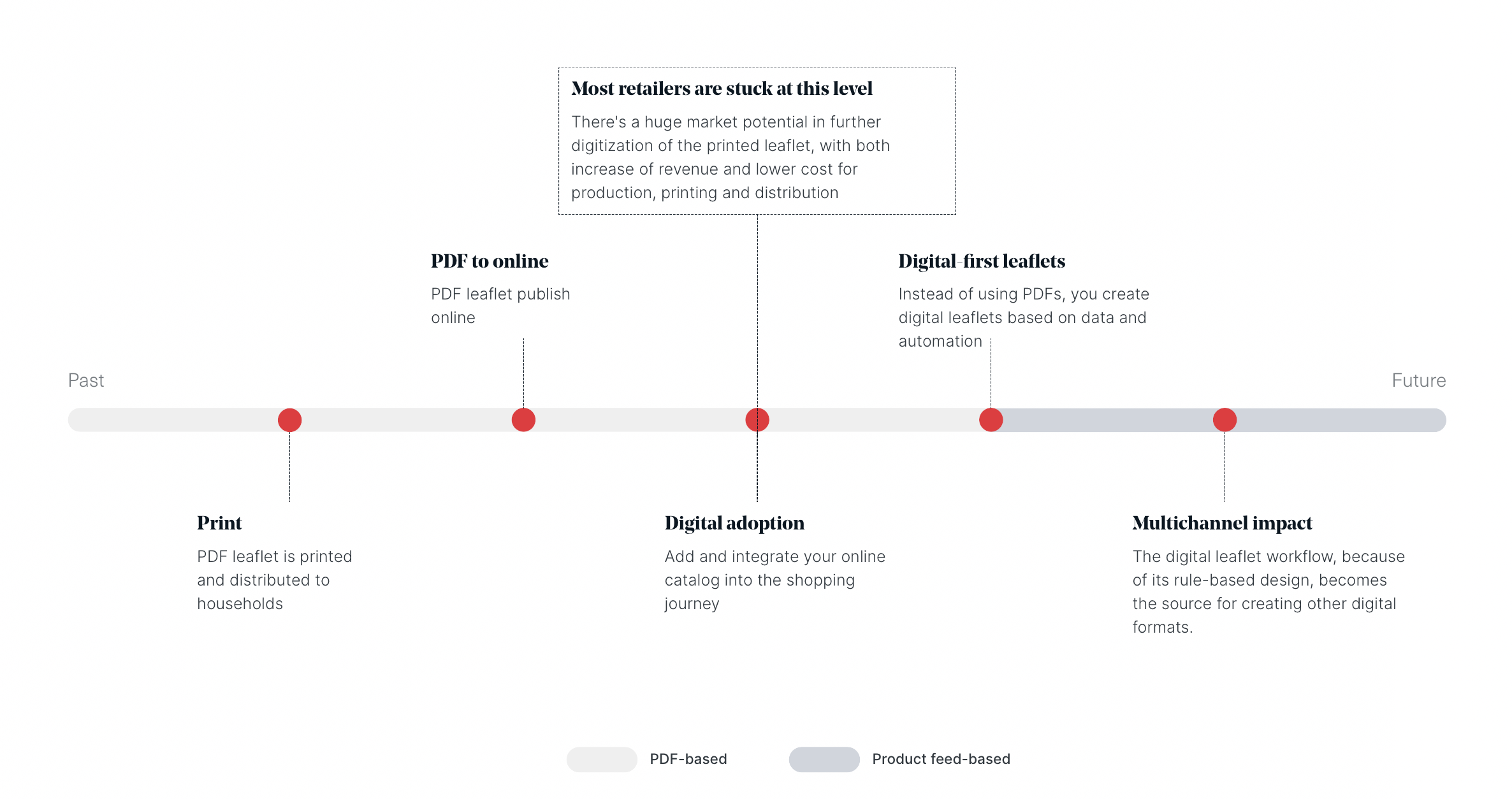
The Digital Transition Timeline: From print PDFs to digital-first leaflets

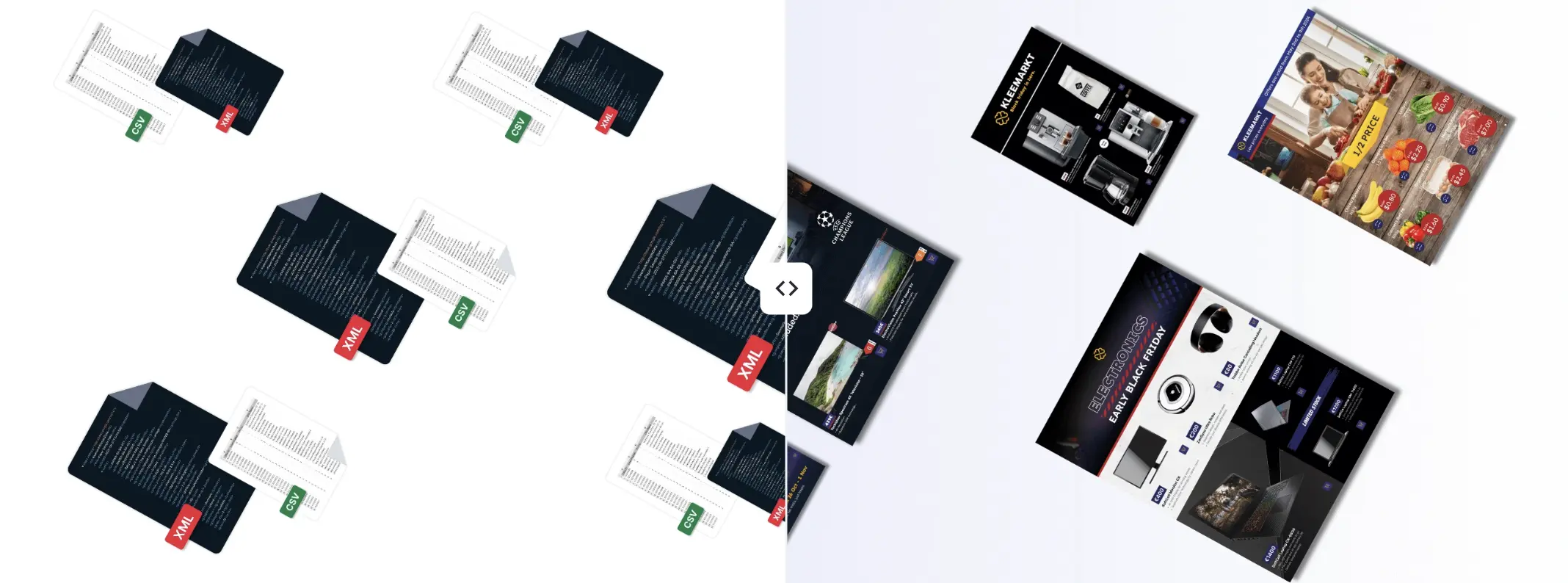
A new way to create online catalogs without a PDF
Your catalogs will be in good hands
- We have over 20 year’s experience working with digital catalogs
- Our dedicated team of experts are on hand to guide you to success