The digital catalog maker designed for commerce
Create interactive catalogs shoppers can browse and buy from.
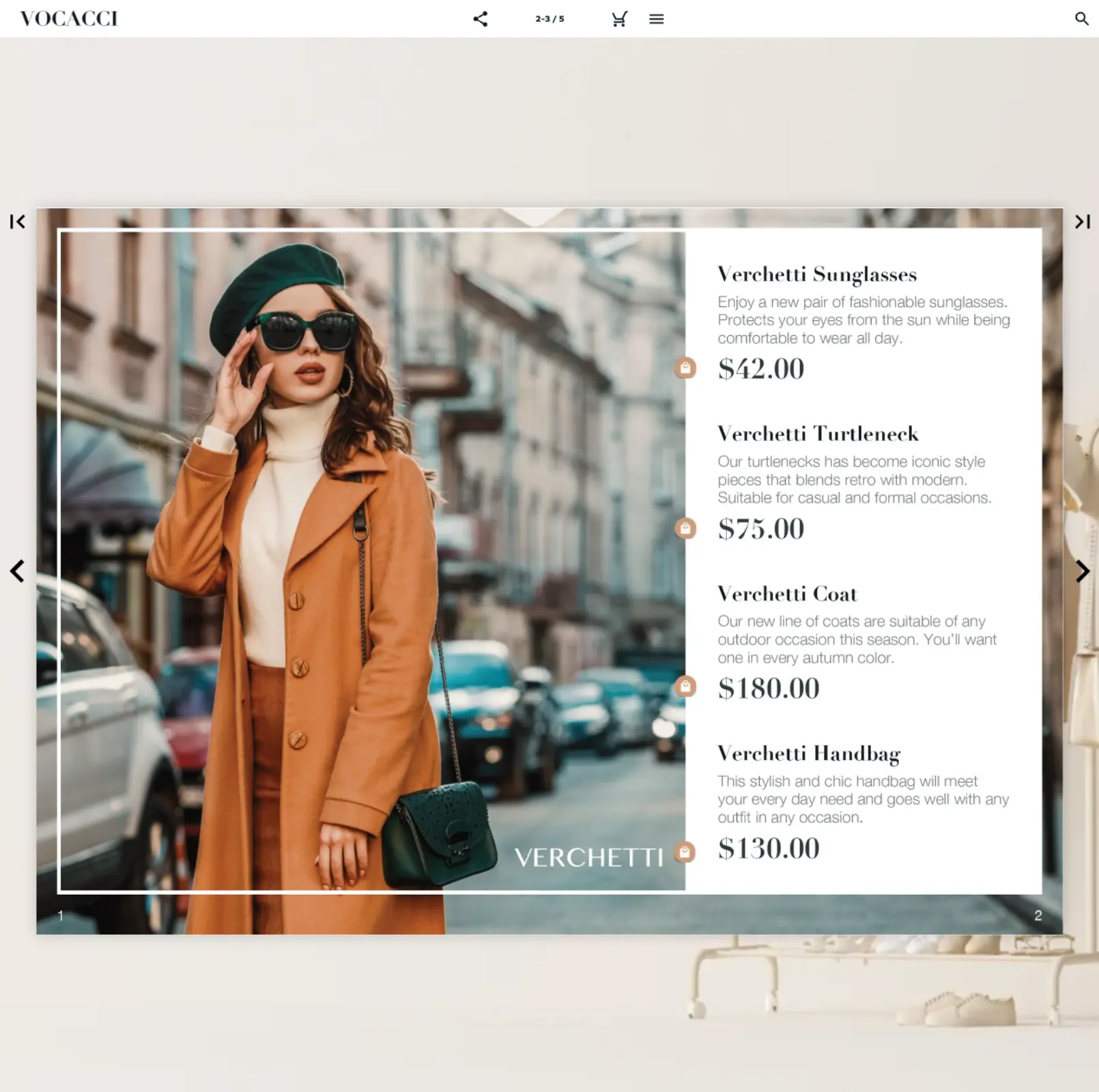









Over 20 years of experience across industries






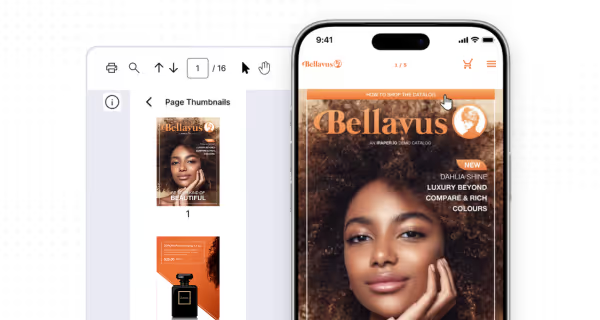
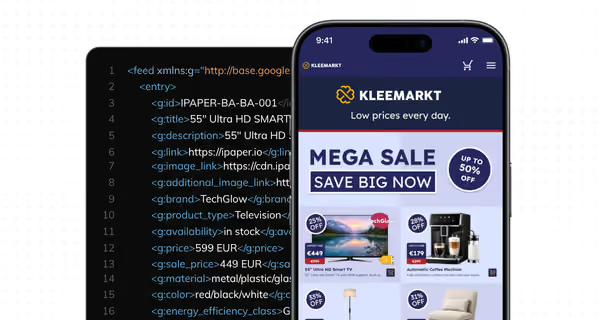
Two ways to create catalogs with iPaper
In our first six months with iPaper we increased our catalog sessions by 40% per week. They have become an integral part of our marketing.
Jürgen Egger
Marketer at SPAR Switzerland
See how iPaper Flipbooks works for you
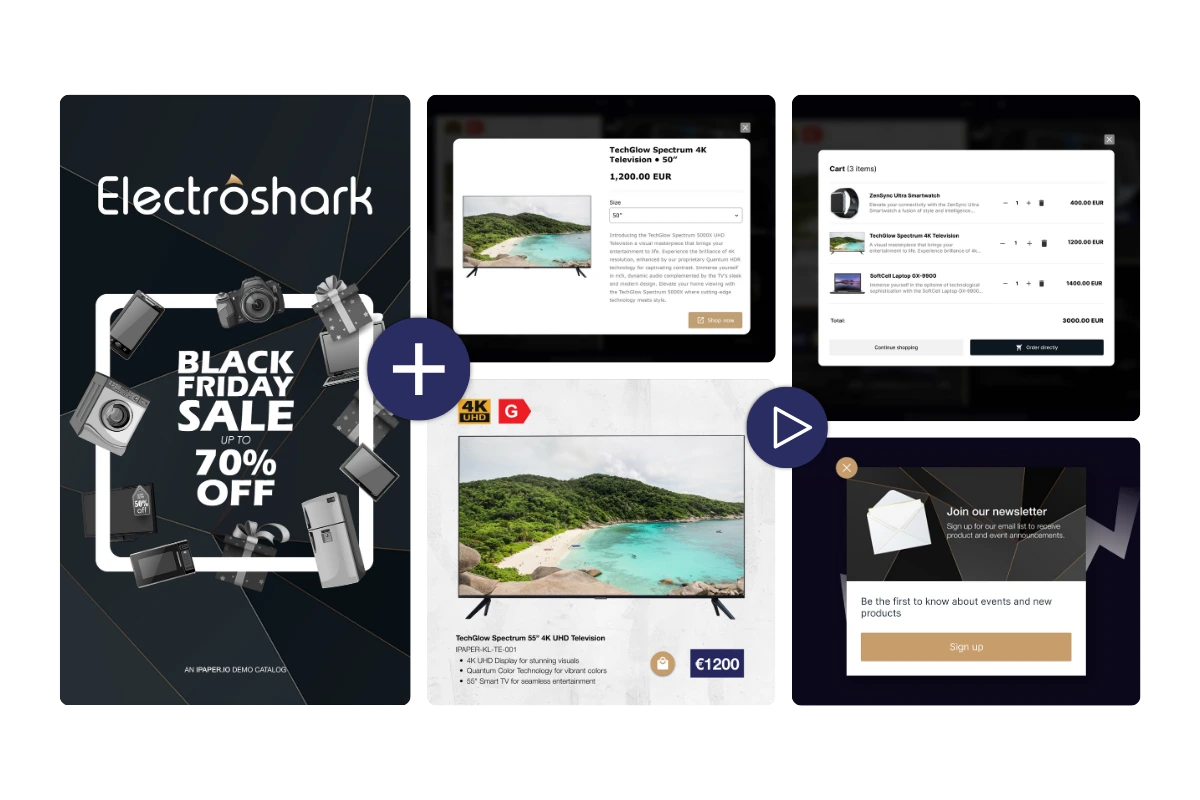
Make your catalogs interactive and shoppable
- Guide shoppers through your promotions with storytelling tactics like icons, animations and videos.
- Sell directly from the catalog with product links to your webshop or in-catalog checkout
Understand how shoppers use your catalogs
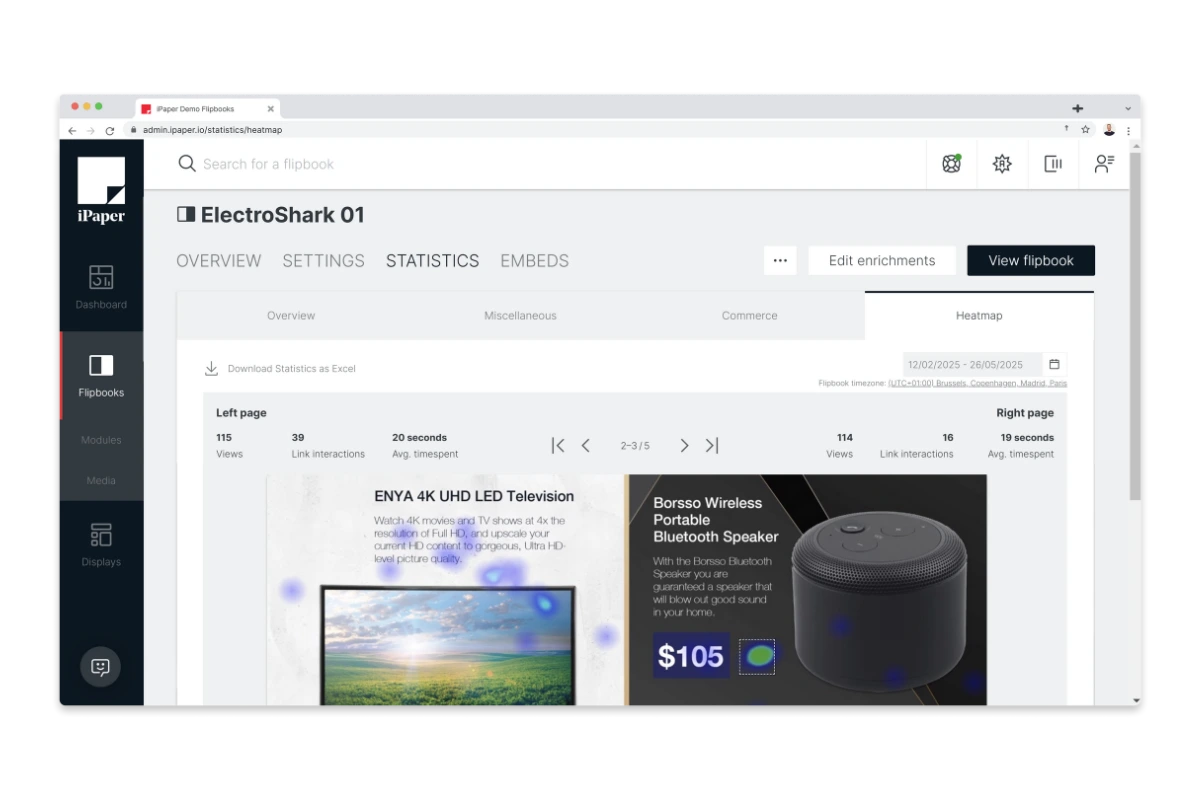
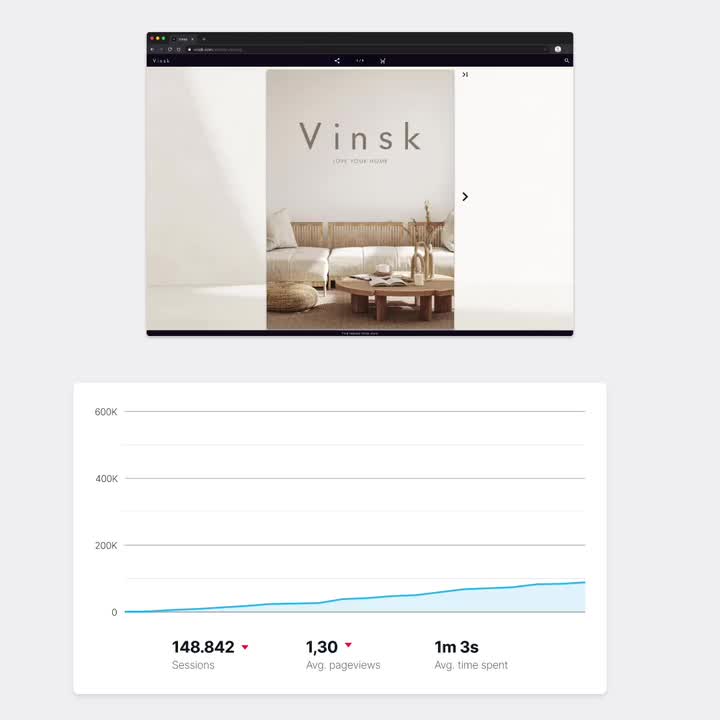
- Track usage including sessions, time spent, and product clicks via built-in statistics or your analytics stack
- Learn what converts by analyzing how visitors interact with products and pages.
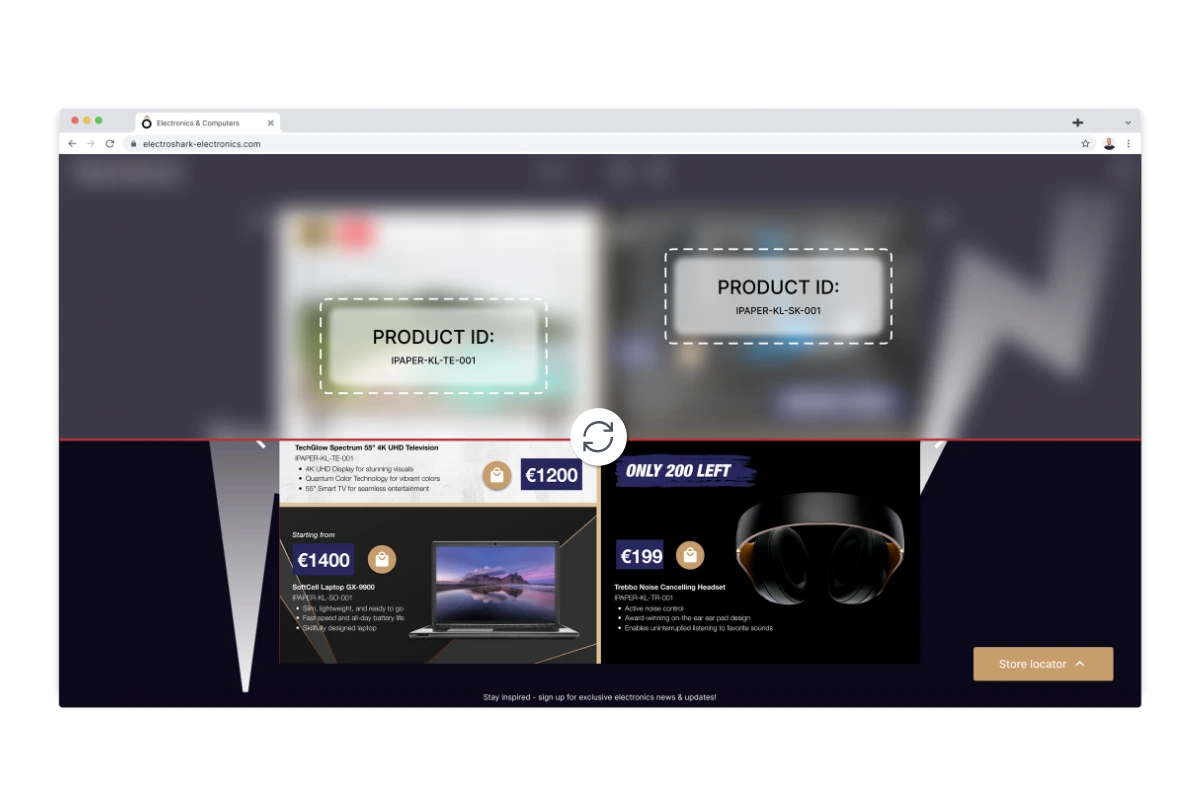
Automate the setup of your digital catalogs
Try iPaper Flipbooks free for 14 days
Create your account
How to publish your first catalog online
1. Upload your PDF
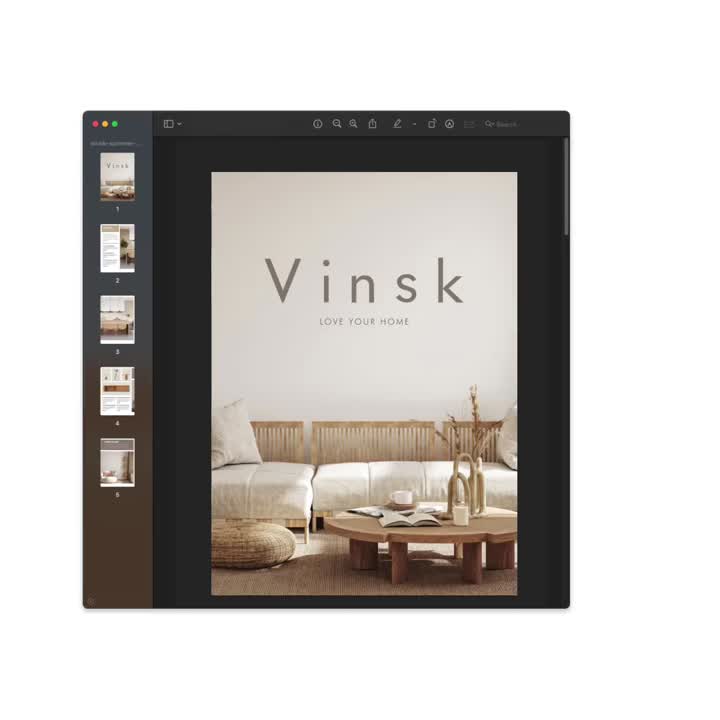
After starting a free trial, you will get immediate access to the platform. The first thing to do is upload a PDF in iPaper to convert it to a digital catalog in seconds.
2. Add interactive elements
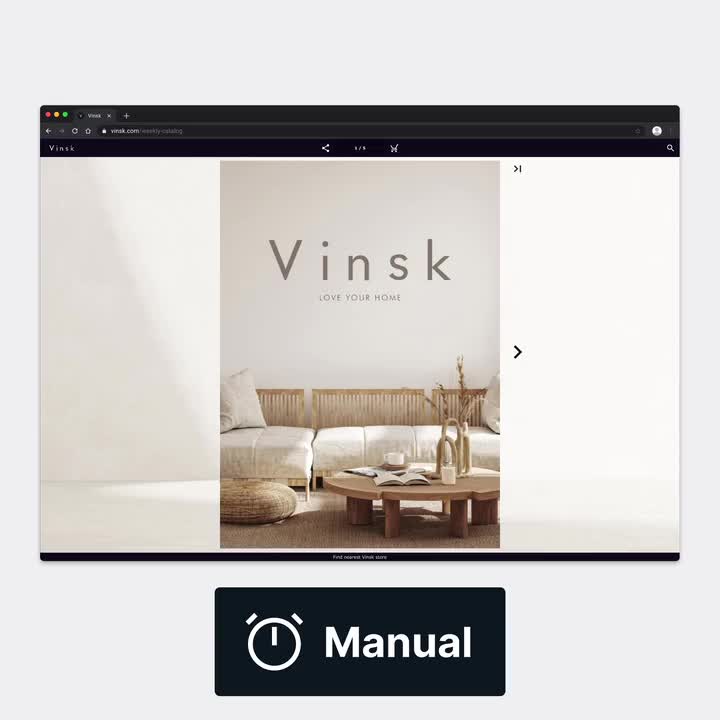
Next, add interactivity like videos, animation, and images and enable conversion points, like product links, CTAs, and checkouts. This can be done manually or automatically depending on your setup. You'll also be assigned a specialist to help you along the way to get to a proof-of-concept during your trial.
3. Promote your catalog
Share your catalog across multiple channels, such as your website, social media, or email newsletters. You can use analytics to track engagement and refine your strategy to reach more viewers.
Not sure which solution fits you best?
We offer two ways to make interactive catalogs that sell. Let’s figure out which one is perfect for your business.