A new way to create online catalogs without a PDF


Is it time to rethink the online catalog workflow?
For many teams, the workflow for online catalogs, leaflets and brochures hasn’t changed much the last 20 years:
- Design a static PDF
- Export it
- Upload it for digital use
- Add interactivity and shop links
It works, but it’s slow, manual and built around print-first thinking.
If online catalog workflow is tied to the print workflow - and print requires time, a lot of work across departments and a large campaign push - it can limit the number of shorter, specific and targeted campaigns.
Digital-first catalog creation
With automated catalog creation, you can flip the classic online catalog workflow on its head.
Instead of designing a PDF manually and then adapting it for digital, you create a digital-first catalogs based on existing product data:
- Connect your product feed
- Create a digital catalog using rules and automations
- Optional: Create a PDF for digital distribution in a few clicks
This workflow allows companies to create more catalogs, faster, and is not reliant on the print workflow.
And, if you still need a PDF, you can simply export your catalog as a PDF.
1. Connect your product feed
Simply connect your product feed - which has all product images and information such as price, description, etc. - to an automated catalog solution.
2. Automate online catalog production
Creating a online catalog without a PDF can be fast, easy and simple:
This makes automated catalog solutions ideal for companies that want to run frequent, shorter campaigns, promotions or local- and store-specific catalogs that are not tied to print workflows.
3. Generate a PDF for digital distribution
With a digital-first workflow, digital is the starting point, but PDFs are still available.
You can generate a PDF from your digital catalog whenever needed, for:
- Partners or marketplaces that require PDFs
- Email distribution
- Downloads
The PDFs created are often designed exclusively for digital distribution. They’re optimized for online marketplaces and web platforms, and not necessarily for professional or high-quality print production.
Move from PDF-first to digital-first
Automated digital leaflet creation helps you replace - or supplement - manual, PDF-first processes with automated online catalog creation.
By building online catalogs from product feeds using templates and layouts, you can...
- Save time
- Reduce manual production
- Deliver mobile-friendly experiences
And, by doing that, you can scale your online catalog production, run more campaigns and create better results.
It's online catalog creation done the digital way.
Continue Reading
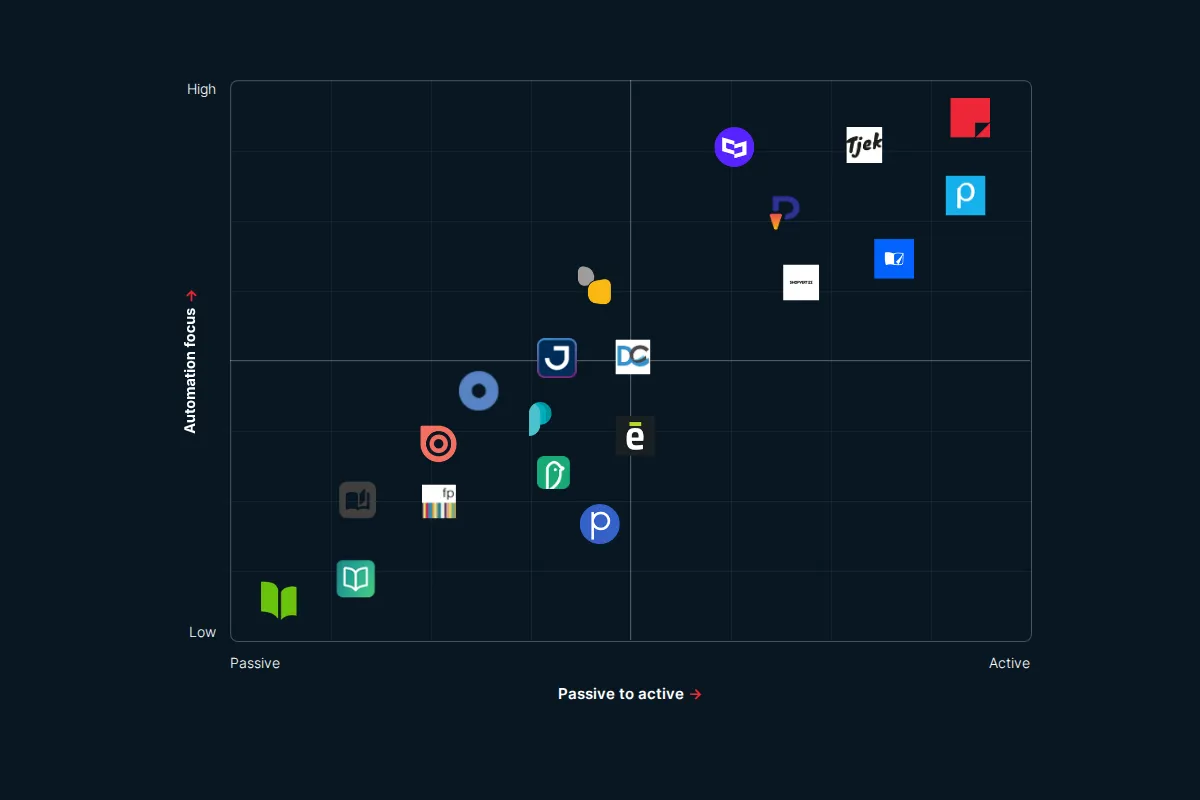
The digital catalog software landscape in 2026

The Issuu alternative that's serious about selling
The Flipsnack alternative for retail marketing teams
Your catalogs will be in good hands
- We have over 20 years experience working with digital catalogs
- Our dedicated team of experts are on hand to guide you to success